
Summary #
A stored XSS vulnerability within the Silverpeas wysiwyg-CKEditor image upload feature. By intercepting the a request from the file upload feature and replacing the filename with a javascript payload. The javascript gets executed once uploaded.
General information #
Description: The wysiwyg/CKEditor image upload feature of Silverpeas Core is vulnerable to Stored Cross-Site Scripting (XSS).
Versions Affected: <= 6.4.6
Version Fixed: 6.4.7
Researcher: HEKK.ONE
Proof-of-Concept (POC) Exploit #
Login as an authenticated user, click on the blue button in the top left corner with the username. Within the shown Personal workspace, go to My diaries and click on a random day. The Create an event form below is shown.
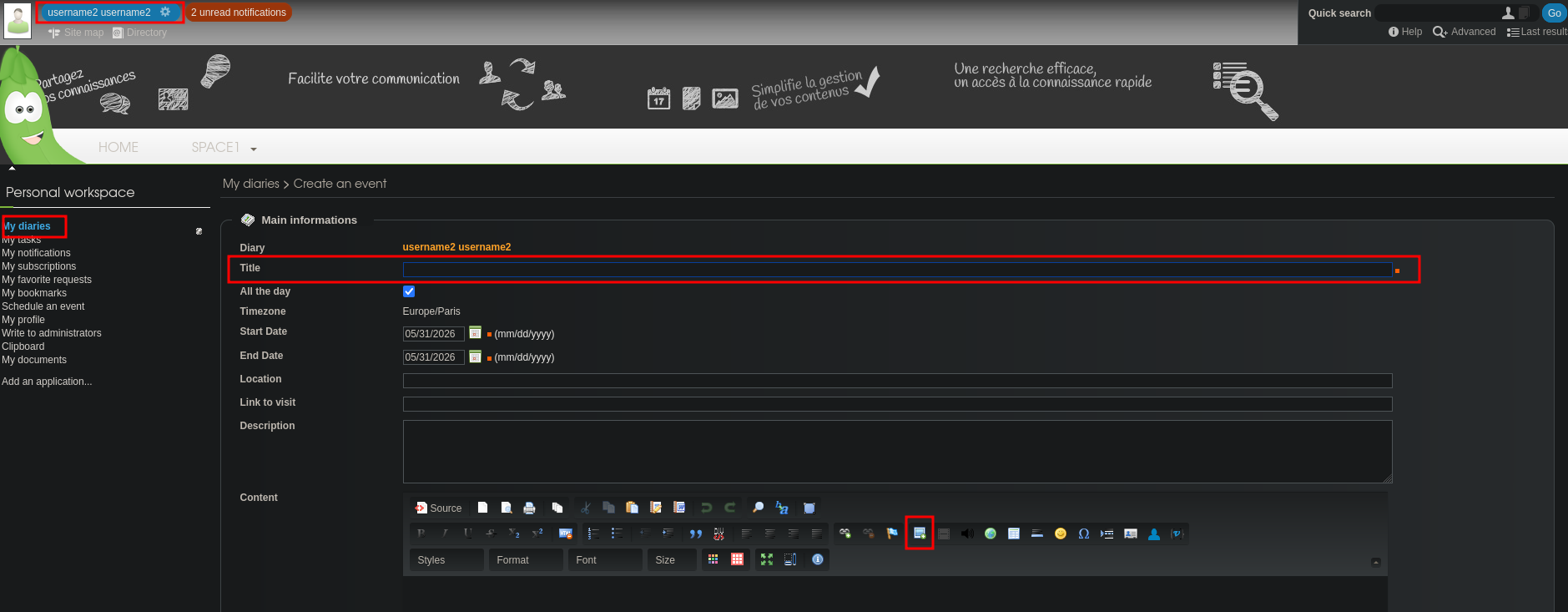
Fill the Title with some random text and click on the Image button in the Content section.
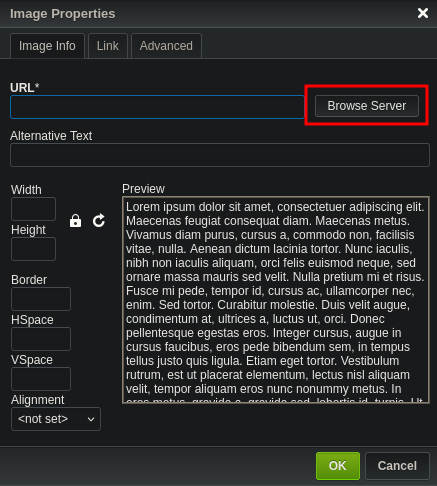
A screen with image properties will pop-up. Now select Browse Server.
Another screen will pop-up which allows you to add a file, click on Add, now click on Browse. Upload a random file and fill out the form by entering text in the Title and Description.
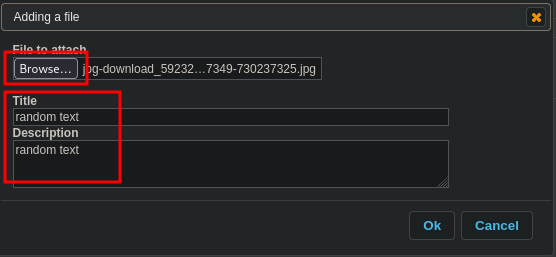
Set proxy to intercept. I used CAIDO and press the Ok button. Replace in the intercepted POST request the filename (ex.) jpg-download_592324-17349-730237325.jpg with payload: %3Cform%3E%3Cbutton%20formaction%3Djavascript%26colon%3Balert(1)%3ECLICKME

Now, forward the request, disable the intercepting proxy and the uploaded file is shown as shown below.
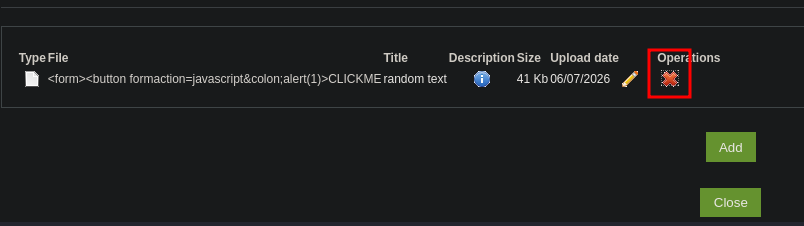
Once you click on the Operations delete button our CLICKME button is shown and once clicked the alert is shown.
